
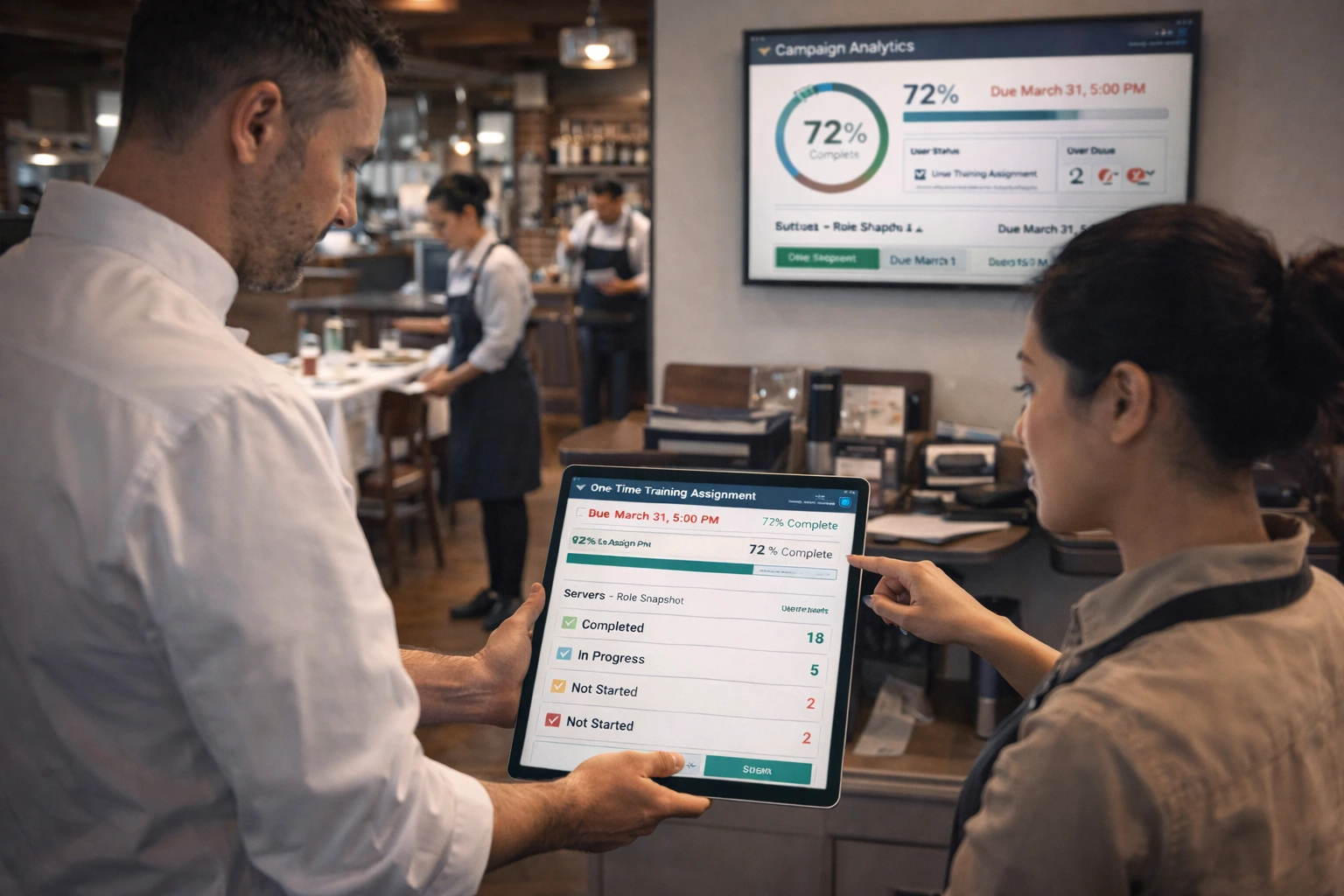
How to Assign One-Time Training Checklists to Teams and Track Completion by Deadline
Training and policy acknowledgments are not recurring operational tasks. They are campaigns: assign once, track completion, follow up before the deadline, and preserve the completion record. When teams force training into recurring checklist workflows, reporting gets noisy and managers lose clarity.
This guide shows how to run one-time training checklist campaigns with clear deadlines and clean accountability.
When recurring assignments are the wrong model
Recurring checklists are built for repeated work (daily openings, weekly inspections, closing routines). Training campaigns have a different outcome:
- each person completes it once
- by a fixed date/time
- with visible status tracking
- without generating repeated checklist instances
That is why one-time assignments are the better fit for onboarding, policy updates, and corrective training.
A one-time training campaign workflow (manager view)
Treat training like a campaign with a simple operating model:
- choose the training checklist/template
- define the audience (roles, users, or both)
- set an absolute deadline
- monitor completion status before the due date
- follow up on overdue or unstarted users
This framing makes reporting and ownership much clearer than mixing training into routine assignments.
Role snapshot vs individual assignment (why it matters)
Role snapshot assignments
For broad rollouts (e.g., "all shift managers"), role snapshot targeting is usually the safest approach. It captures the current members of the role at launch time and keeps the campaign target list stable.
Benefits:
- completion percentages stay comparable
- new hires added later do not silently change campaign totals
- audit/reporting history stays clean
Individual assignments
Use direct user assignments when training is corrective, exception-based, or limited to a small set of people.
Deadline management: update open items, preserve completed history
Real operations change. Deadlines sometimes move due to staffing, rollout timing, or location constraints.
A sound one-time training process handles this by:
- updating deadlines for open items
- leaving completed items unchanged
That preserves history and avoids rewriting what was already completed.
Training rollout examples
Policy acknowledgment campaign
Use a one-time assignment for policy updates that need confirmation by a deadline.
Onboarding pack
Assign operational onboarding steps once to new hires with a clear due date.
Corrective refresher
Assign one-time refresher training to a targeted role/location after repeated process misses.
This use case can pair well with recurring operational checklists, but it should not be buried inside them.
Completion reporting and follow-up cadence
Managers should not wait until the due date to look at completion.
Recommended cadence:
- launch-day confirmation (targets look right)
- mid-cycle review (who has not started / who is at risk)
- pre-deadline reminder/escalation
- post-deadline completion and exception summary
This keeps training completion from turning into last-minute chasing.
Common mistakes in one-time training rollouts
- using recurring assignments instead of one-time
- unclear target audience (role vs individual)
- changing targets mid-campaign without documenting it
- no manager follow-up before deadline day
- mixing training completion status into unrelated shift checklist reporting
Where DoSurely helps with one-time training assignments
DoSurely supports one-time training workflows through one-time assignments, role snapshot targeting, absolute due dates, and completion tracking/reporting. That gives teams a clean way to run training campaigns without cluttering recurring operations workflows.
Related reading
- Choosing a Checklist and Compliance Tool for Multi-Site Teams: What to Evaluate Before You Buy
- How Multi-Location Restaurants Keep Standards Consistent Across Every Store
- Back to the DoSurely Blog
Book a demo for one-time training campaign setup
If you need to assign training once, track completion by deadline, and report clearly by role or location, book a demo and we can help you structure a one-time assignment workflow that fits your operation.